Pet Duo
HD · 15s · 9:16 · Silent
Watch two pets take the orange stage in this real 15-second, 9:16 HD Hotel Lobby AI video, created from two pet photos. Animal motion may vary.
YOUR PHOTOS. THE HOTEL LOBBY TREND.
Turn two photos into a Hotel Lobby dance video. Upload your duo, choose a format, and let AI handle the performance.
No prompt needed · Preview real results · Download a silent MP4
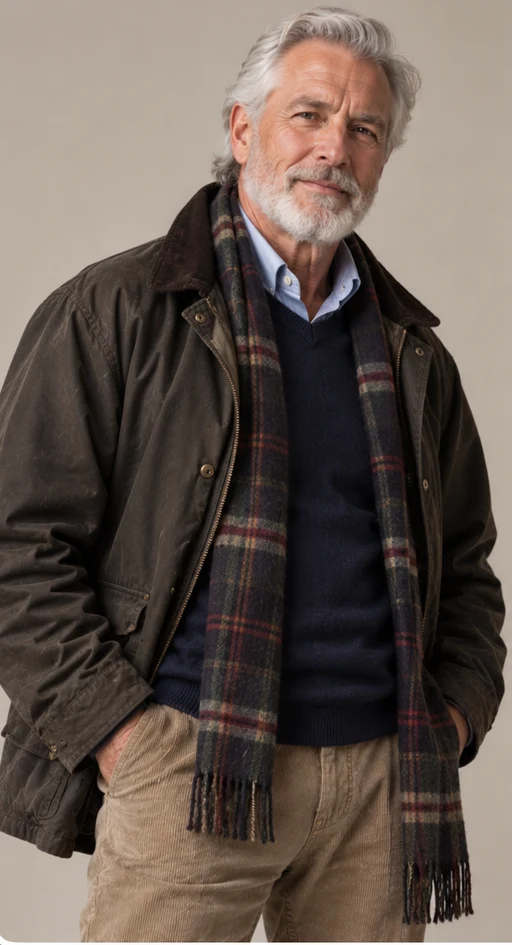 A
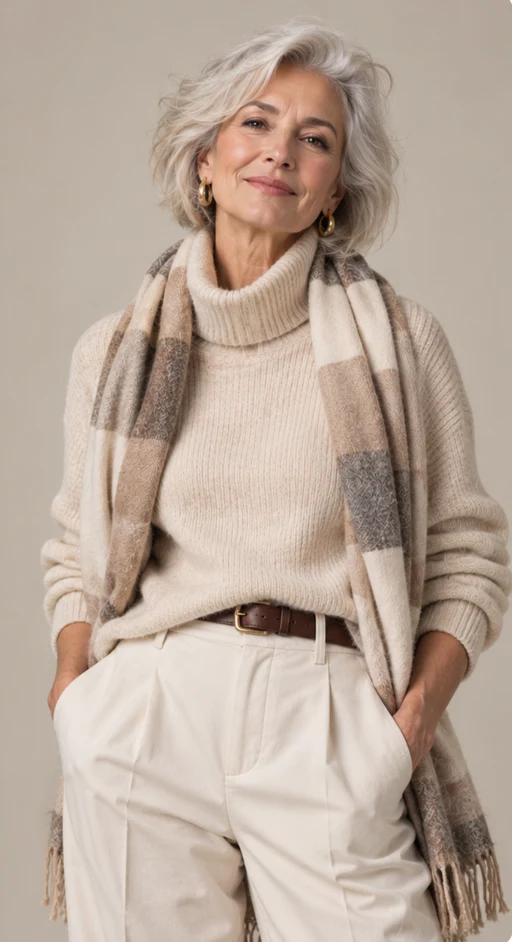 B
Loading your session and saved photos. Uploads will be available shortly.
JPG/PNG/WEBP · 10MB max
Silent video. Add music after download.
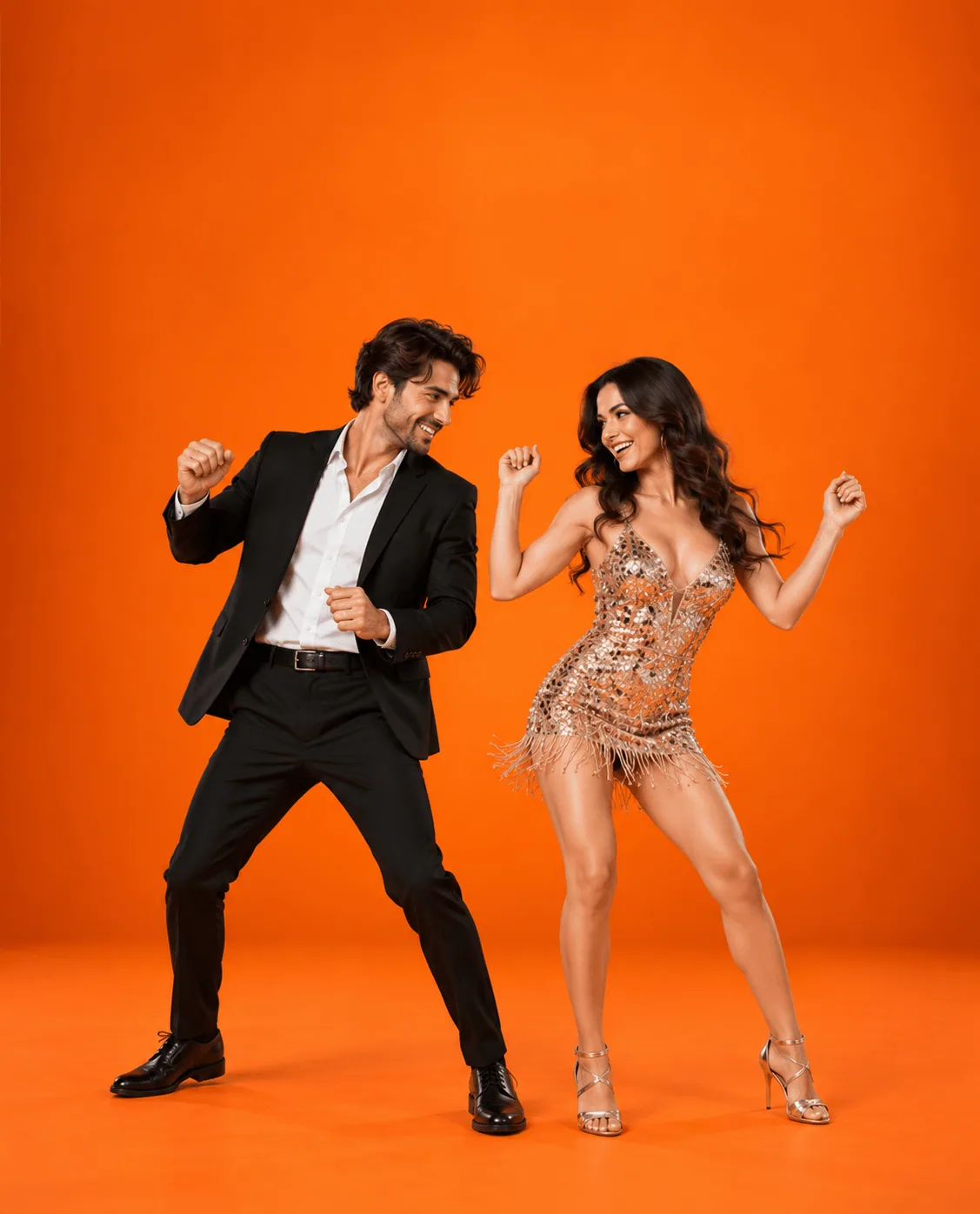
Example ideas for your Hotel Lobby video.
Use one clear, well-lit subject per photo. Avoid tiny or covered faces; include more of the body where possible.
Pick quality, duration and ratio. Start with the shortest Lite option for a lower-cost test. The stage and choreography are handled for you.
Save your lip-synced MP4, upload it to TikTok and use Add sound to choose an available track. Adjust its starting point to match the performance.
Downloads are silent because we leave the original song out for copyright reasons. TikTok Help Center: adding sounds.
Choose your subjects. The template aims for these five visual cues.
Trend background: Hugging Face community guide to the Hotel Lobby AI format.
See the source portraits beside each generated result. Compare the faces, outfits and motion across three formats.
HD · 15s · 9:16 · Silent
Watch two pets take the orange stage in this real 15-second, 9:16 HD Hotel Lobby AI video, created from two pet photos. Animal motion may vary.
HD · 15s · 4:3 · Silent
A 15-second silent HD example with two AI-generated silver-haired performers beside a hanging microphone on the orange stage.
Standard · 15s · 16:9 · Silent
A 15-second silent Standard example with two AI-generated performers in contrasting tops, shown in a wide orange studio composition.
Made with Hotel Lobby AI. AI-generated characters. Results vary.
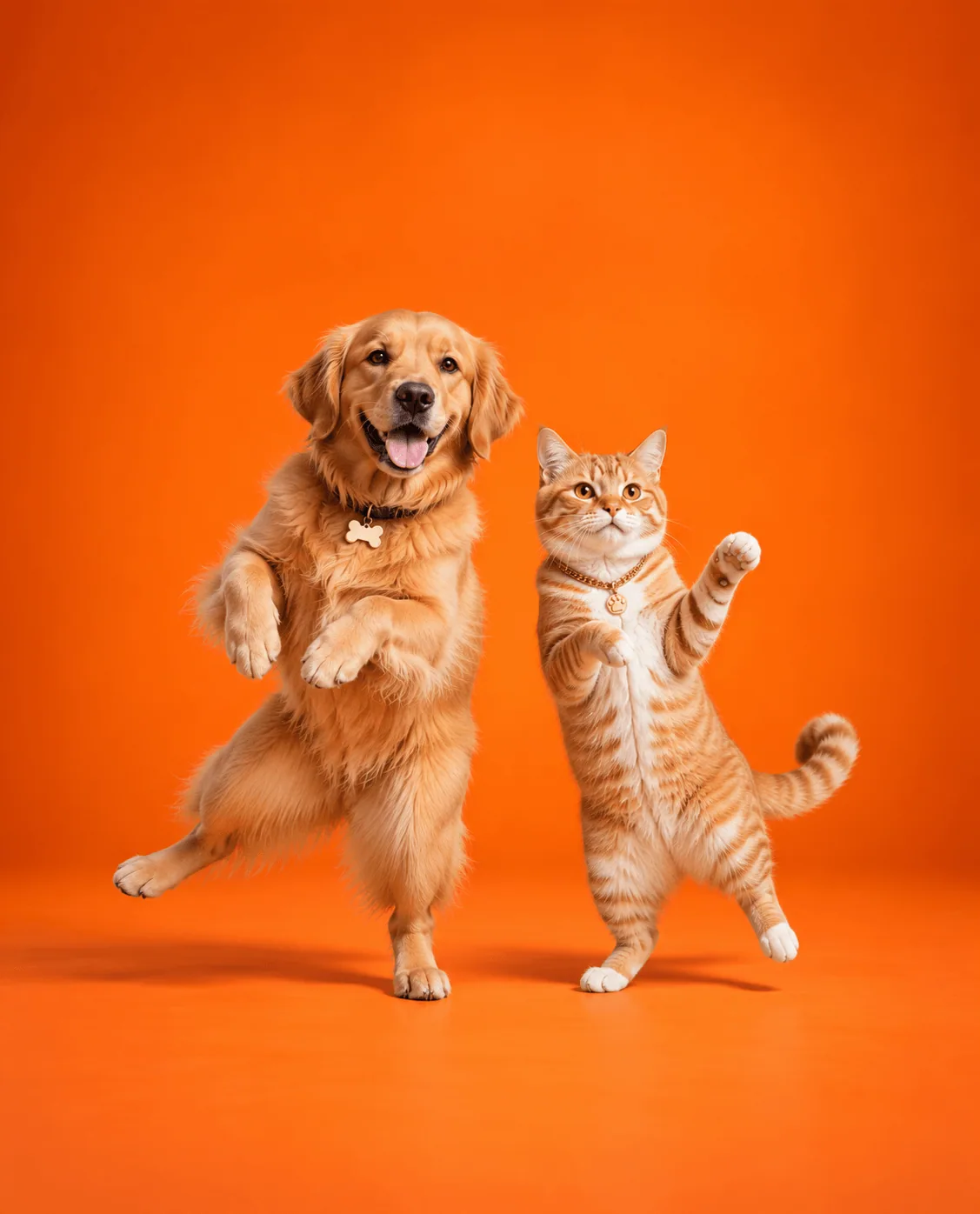
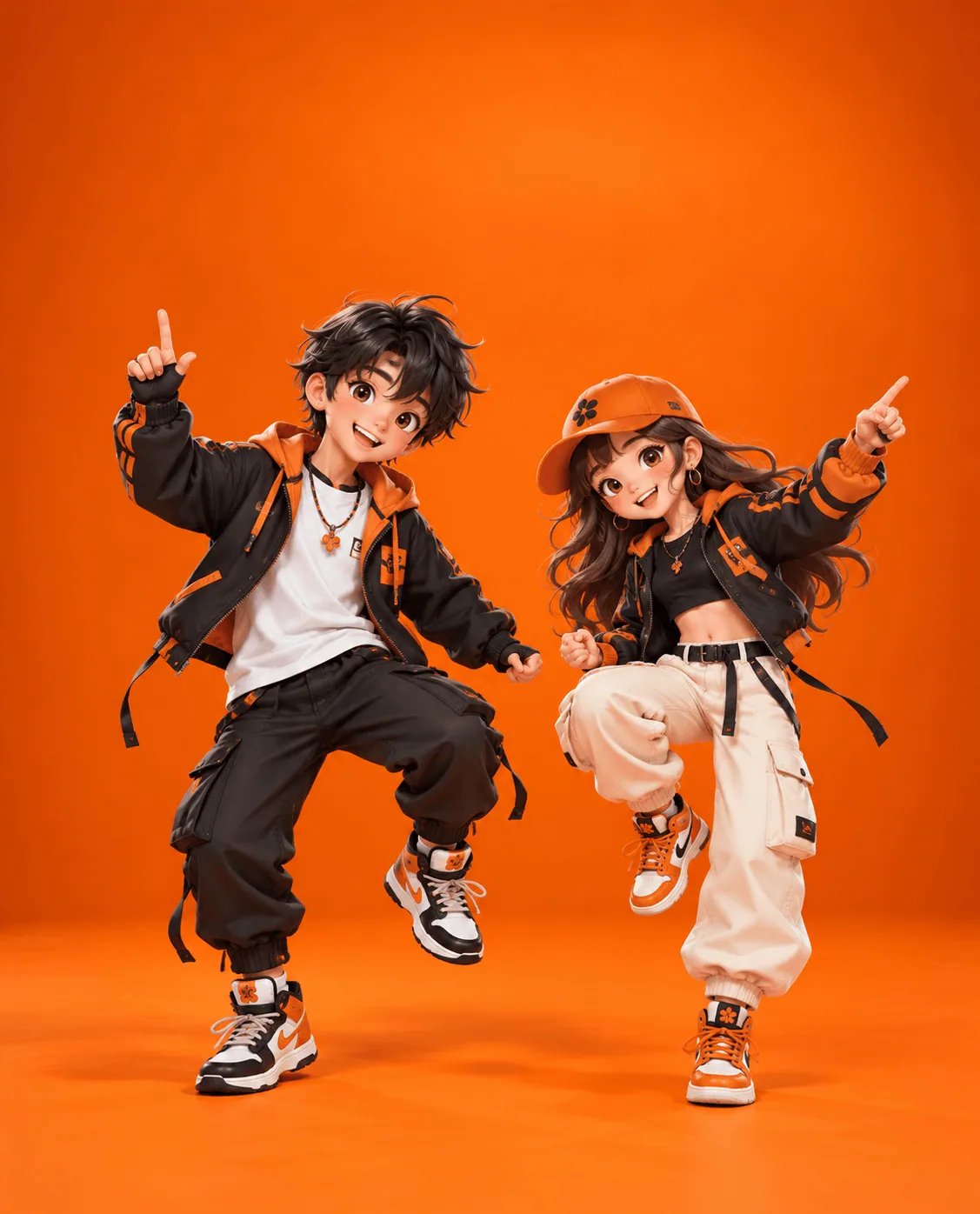
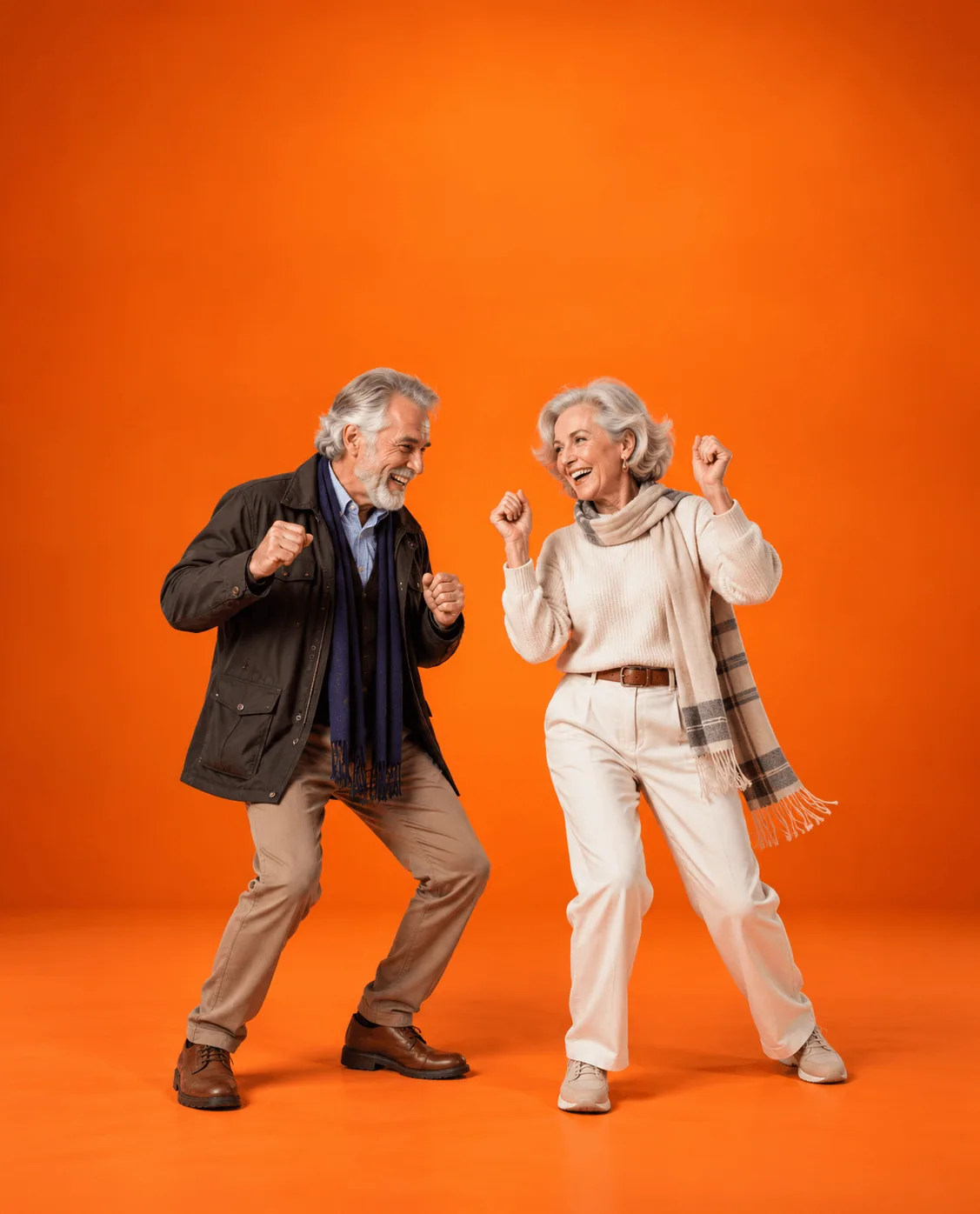
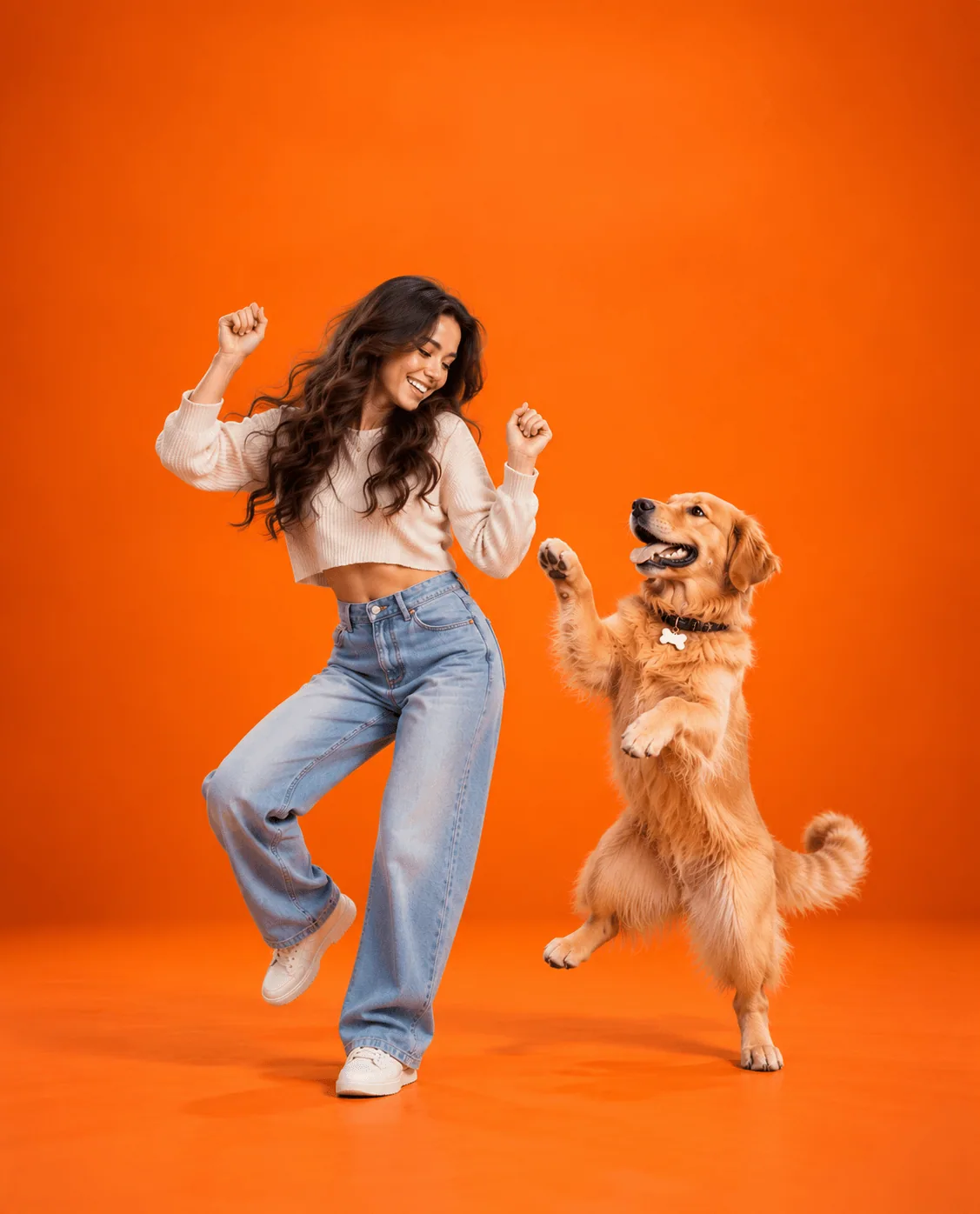
People, pets and illustrated characters — find inspiration for your duo.
Creative inspiration only. These images are illustrations, not generated results. Animal and cartoon motion is experimental; results vary.
4s / 10s / 15s · 9:16 / 16:9 / 4:3
| Quality | 4s | 10s | 15s |
|---|---|---|---|
| Lite 480p | 24 | 60 | 90 |
| Standard 480p | 60 | 150 | 225 |
| HD 720p | 100 | 250 | 375 |
New accounts get 24 credits for one free Lite 4s video. $7.99 adds 375 reusable credits for more videos. One-time credits never expire. No subscription required. Failed videos return credits automatically. See pricing.
Two JPG, PNG or WebP photos, up to 10MB each. Use one clear subject per photo. You do not need to write a prompt or upload the original performance video.
Use photos you have the rights and permissions to use. This template is designed for adult human performers; photos depicting minors are not permitted. Animal and fictional-character photos are experimental and may not follow the human choreography.
Yes. New accounts receive 24 signup credits once, enough for one Lite 4-second video. Email signup requires verification. Guests receive no credits. For more videos, the $7.99 pack adds 375 flexible credits, enough for one HD 15-second video or 6 Lite 10-second videos.
Download your completed video as an MP4. New videos support 4 seconds or 10 seconds or 15 seconds in 9:16, 16:9, 4:3. Lite (480p) and Standard (480p) use different model settings; HD outputs at 720p. The exact credit cost is shown before you generate.
No. Downloaded MP4 videos are watermark-free.
Generation typically takes around 3–9 minutes, based on recent runs. Some videos may take longer. Check the latest status in your Library. If a video stays in progress or shows Checking video for an extended period, contact support before starting another generation.
Yes, once your submission is confirmed and the video appears in your Library. Return with the same account to check its status and download the result. Wait for submission confirmation before closing the page.
Your completed, processing and failed videos appear in your Library. Sign in with the same account to revisit and download completed videos across devices.
Your uploads and generated videos are private to your account. Your photos are shared with our generation provider to create your video. Saved media stays in your Library until you delete the video or account. Deleting a completed video also removes related input photos when no other saved video uses them. See our Privacy Policy for details.
No. Hotel Lobby AI does not use your uploaded photos to train AI models. We process them to create your requested videos and maintain your saved Library. Photos are sent to our generation provider for processing; see our Privacy Policy for details about third-party services.
Commercial use requires the necessary permissions for your photos, people's likenesses, the template's reference material and any music you add. AI generation does not automatically clear these rights. Contact us to confirm template permissions before using a video in advertising or client work. Music available for personal posts may not be licensed for commercial use.
New videos are silent and include lip-sync. We leave the original song out of downloads for copyright reasons. You can add music in TikTok after downloading. Previously generated videos keep their original sound.
Upload your downloaded MP4 to TikTok, tap Add sound and search for Hotel Lobby. Choose a version available to your account and adjust the song's starting point to match the performance before posting.
Credits from a video that fails to start or generate return automatically. A retry is a new generation attempt with its own displayed credit cost. If the retry succeeds, those credits are used; if it fails, they return automatically. This returns credits to your balance, rather than refunding your payment.
AI results vary with your photos and settings. Try a short Lite video first to check the result. Generating another version requires credits. If you believe something went wrong, contact support. Payment refund requests are reviewed under our Refund Policy.